Buffer Free Plan 2026: Limits, Pricing and What You Get
Buffer's free plan is one of the few permanent free tiers left among social media schedulers, and it is more generous than most people expect. It also has specific limits that decide whether it covers you or quietly gets in your way.
This guide breaks down exactly what the Buffer free plan includes in 2026, what each paid plan costs, how the limits work on Instagram and TikTok, and the point where upgrading actually pays off.
Disclosure: this guide includes affiliate links. If you sign up through them we may earn a commission at no extra cost to you — we only recommend tools we genuinely rate.
All plan details below come from Buffer's official pricing page (which Buffer last updated in November 2025) and Buffer's help center, checked on October 30, 2026.
Is Buffer Free? The Short Answer
Yes. Buffer has a free-forever plan with no time limit and no trial clock:
- 3 channels (one channel = one connected account, such as one Instagram profile or one Facebook Page)
- 10 scheduled posts per channel at any one time, refilled as posts go out
- 1 user
- AI Assistant included
- Analytics with a 30-day history
- Comment replies and a Start Page (Buffer's link-in-bio landing page)
If you need more than 3 channels, unlimited queues, or a team, paid plans start at $6 per channel per month, or $5 billed yearly.
Want to try it? Start with Buffer's free plan. No trial clock, so you can run your real workflow on it before deciding anything.
Buffer Free Plan: Everything Included
| Feature | Free plan |
|---|---|
| Price | $0, no time limit |
| Channels | Up to 3 |
| Scheduled posts | 10 per channel at a time (refill anytime) |
| Ideas | 100 |
| Users | 1 |
| AI Assistant | Included |
| Analytics | Insights with a 30-day history |
| Comments | Replies, 5 AI reply suggestions per week, 1 saved reply |
| Start Page (link in bio) | Included |
| First comment scheduling | Not included |
| Hashtag manager | Not included |
| Reports, custom analytics, UTM parameters | Not included |
| Approval workflows | Not included |
What "10 Scheduled Posts per Channel" Really Means
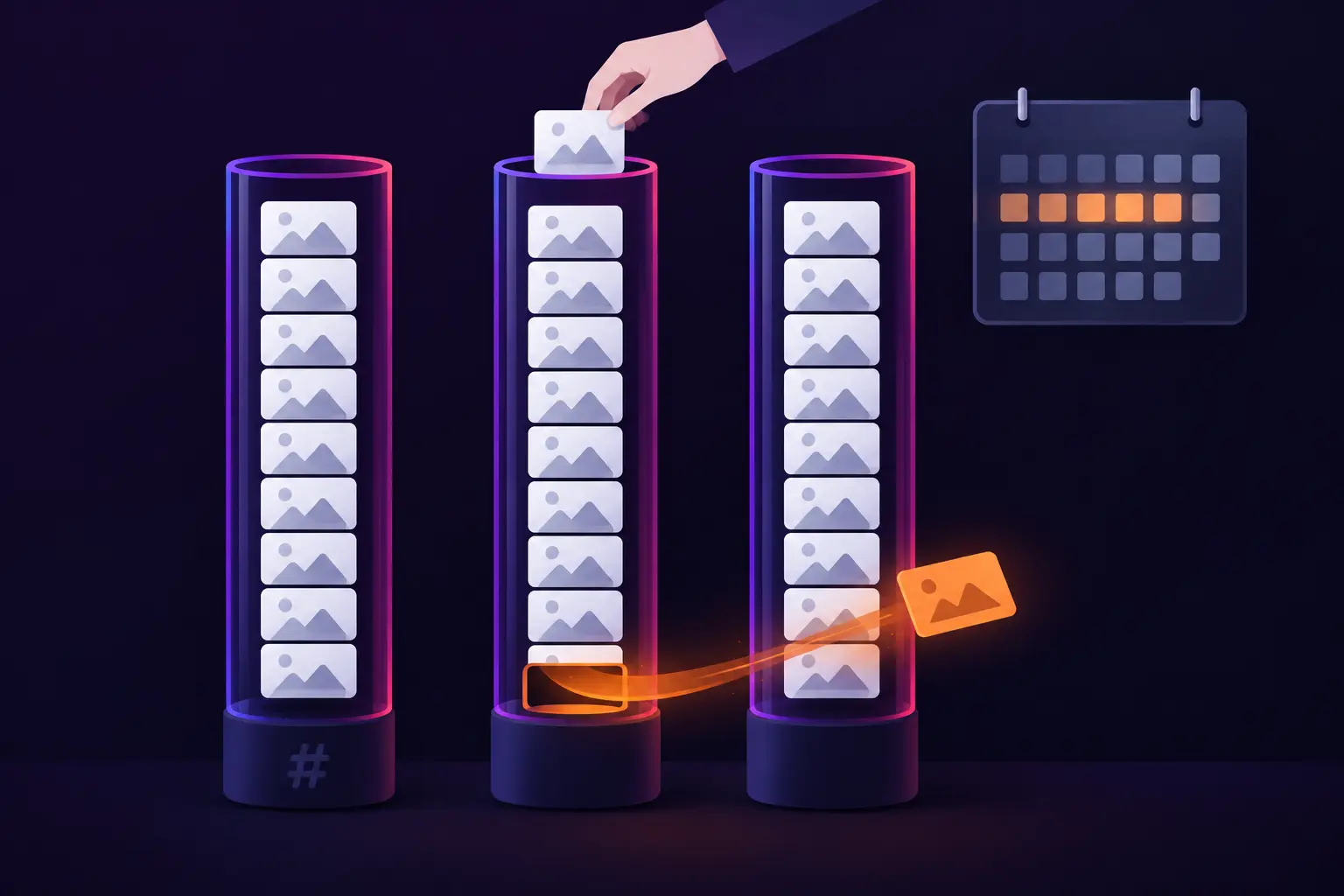
This is the limit people misread most. It is not 10 posts per month. It is how many posts can sit in a channel's queue at the same time. Every time a post publishes, a slot opens and you can schedule another one.
In practice:
- Post daily on a channel: you can batch about 10 days ahead.
- Post three times a week: about three weeks ahead.
- Across all 3 channels: up to 30 posts queued at once.
So the free plan does not cap how much you publish. It caps how far ahead you can batch. If you sit down once a week to plan content, you will rarely notice the limit. If you like to batch a whole month in one session, you will hit the wall on day one.
What the Free Plan Leaves Out
The missing features fall into three groups:
- Batching and organization: unlimited queues, unlimited ideas, channel groups, and notes are paid-only.
- Reporting: analytics history stops at 30 days, and reports, custom analytics, and UTM tracking need a paid plan. If you report results to clients or a manager, that alone is a reason to upgrade.
- Instagram extras: first comment scheduling, the hashtag manager, and custom video covers are Essentials features.
Buffer Pricing 2026: Free vs Essentials vs Team
Buffer charges per channel, so the bill grows with the number of accounts you connect.
| Plan | Monthly billing | Annual billing | Users | Best for |
|---|---|---|---|---|
| Free | $0 | $0 | 1 | Up to 3 channels, weekly planning |
| Essentials | $6/channel/month | $5/channel/month ($60/channel/year) | 1 | Solo creators who batch ahead and track results |
| Team | $12/channel/month | $10/channel/month ($120/channel/year) | Unlimited | Teams, freelancers, and agencies that need approvals |
Essentials adds: unlimited scheduled posts and ideas, first comment scheduling, the hashtag manager, channel groups, custom video covers, notes, unlimited analytics history, reports, custom analytics, UTM parameters, and unlimited AI comment replies.
Team adds everything in Essentials plus unlimited team members, approval workflows, custom access and permissions, and branded reports.
Pricing details that are easy to miss:
- Annual billing saves $12 per channel per year on Essentials ($72 vs $60) and $24 on Team ($144 vs $120).
- "Unlimited" has a fair-use ceiling of 5,000 scheduled posts per channel, far beyond what any creator queues.
- Volume discount: channels 1-10 are billed at the standard rate, and every channel above 10 costs less.
- Nonprofits get 50% off paid plans.
- Paid plans start with a 14-day free trial.
What Buffer Costs for Your Setup
| Channels | Essentials, monthly | Essentials, annual | Team, monthly | Team, annual |
|---|---|---|---|---|
| 1 | $6/mo | $5/mo | $12/mo | $10/mo |
| 3 | $18/mo | $15/mo | $36/mo | $30/mo |
| 5 | $30/mo | $25/mo | $60/mo | $50/mo |
| 10 | $60/mo | $50/mo | $120/mo | $100/mo |
One catch: when you upgrade from Free, you pay for every connected channel, including the three that were free. Three channels on Essentials cost $18 a month, not "three free plus whatever you add".
Buffer Free Plan Limits on Instagram and TikTok
Every supported network counts as one channel, and the 3 free slots can go to any of them. Buffer currently supports Instagram, Facebook, TikTok, YouTube Shorts, LinkedIn, X, Threads, Bluesky, Pinterest, Mastodon, Google Business Profile, and Substack.
Buffer for Instagram
Instagram is where the fine print matters most.
- Automatic publishing needs a professional account. Buffer posts for you only on Instagram Business or Creator accounts. Personal accounts use notification publishing: at the scheduled time Buffer sends a push notification to its mobile app, and you finish the post in Instagram yourself.
- Some posts fall back to notifications even on professional accounts. Instagram does not let Buffer auto-publish posts with music, Story links or stickers, product tags, collaborations, or topics, so Buffer switches those to "Notify Me". The same happens when an image or video is outside Instagram's accepted aspect ratios, or a Reel is too short or too long.
- Notification posts need the app. Install the Buffer mobile app and allow push notifications, or the post will not go out. A "Sent" status on a notification post means the reminder reached your phone, not that the post is live.
- No first comment scheduling on Free. In 2026 that matters less than it used to. Instagram caps posts at 5 hashtags, and they belong in the caption, not the first comment.
For free-plan users, Buffer recommends connecting Instagram by logging in with Instagram. That route supports automatic publishing, Insights analytics, and comment management on every plan.
For the full Instagram workflow, including what the paid hashtag manager does, see our Instagram hashtags in Buffer guide.
Buffer for TikTok, YouTube Shorts, and the Rest
TikTok, YouTube Shorts, LinkedIn, Threads, Bluesky, and the other networks follow the same free-plan rules: each account is one channel with a 10-post queue.
For short-form video creators, that queue is usually the limit you feel first. If you film in batches and want two weeks of daily TikToks or Shorts lined up, you will need Essentials for that channel. If you post three or four videos a week and refill the queue every weekend, the free plan holds up fine.
When the Free Plan Is Enough (and When to Upgrade)
Stay on Free if:
- You run 3 accounts or fewer.
- You plan weekly, so a 10-post queue per channel covers you.
- You work alone.
- Each app's native analytics plus Buffer's 30-day view tell you what you need.
Upgrade to Essentials when:
- You want to batch more than about 10 posts per channel at a time.
- You need a fourth channel.
- You need analytics beyond 30 days, reports, or UTM tracking to prove results.
- You want first comment scheduling or custom video covers.
Go to Team when:
- Someone else needs access to the account.
- Posts need sign-off before publishing, whether from a client, a manager, or legal.
A simple rule of thumb: the free plan runs out on time (how far ahead you can batch) before it runs out on volume. If refilling the queue once a week feels fine, stay free.
Getting the Most Out of Buffer's Free Plan
- Spend your 3 channels where you grow. Connect the accounts that actually bring followers, clicks, or sales, not every profile you own.
- Refill on a fixed day. One 30-minute session a week to top each queue back up to 10 posts keeps you consistent without paying.
- Bank ideas, not posts. Ideas are counted separately from scheduled posts (100 on Free), so park future content there and move it into the queue each week.
- Repurpose with the AI Assistant. Write one post, then have the assistant adapt its tone and length for each channel.
- Use the Start Page as your link in bio instead of paying for a separate link-in-bio tool.
- Prepare hashtags before you schedule. The hashtag manager is paid-only, so build each platform's set first and paste it into the post.
Buffer Free Plan vs Other Free Schedulers
Buffer is one of only a few well-known schedulers that still offer a permanent free tier:
- Metricool also has a free plan, built around one brand, with analytics and competitor tracking included. Compare the two in our Buffer vs Later vs Metricool guide.
- Later offers a free trial but no permanent free plan.
- Hootsuite dropped its free plan in 2023 and now offers only a trial. See our Buffer vs Hootsuite comparison for the full breakdown.
If you are choosing a free scheduler for three or fewer accounts, Buffer is the simplest place to start. If analytics matter more than simplicity, look at Metricool's free plan next.
Where Hashtags Fit in a Buffer Workflow
Because the hashtag manager is an Essentials feature, free-plan users need another way to build hashtag sets, and every platform wants something different: up to 5 on Instagram, 1-2 on X, 3-5 on LinkedIn, and a single topic tag on Threads.
Our Free AI Hashtag Generator builds a platform-correct set in seconds. Describe the post, pick the platform, and paste the result into Buffer before you schedule. It covers the one job Buffer's free plan leaves to you.
Frequently Asked Questions
Is Buffer free?
Yes. Buffer's free-forever plan has no time limit and covers 3 channels, 10 scheduled posts per channel at a time, 100 ideas, 1 user, the AI Assistant, comment replies, a Start Page, and 30 days of analytics.
How many posts can you schedule on Buffer's free plan?
Up to 10 per channel at a time, so up to 30 across 3 channels. It is a queue limit, not a monthly limit: each published post frees a slot for the next one.
How much does Buffer cost per month?
Essentials is $6 per channel per month, or $5 billed yearly. Team is $12 per channel per month, or $10 billed yearly. Five channels on Essentials cost $30 a month, or $25 a month billed yearly.
Does Buffer's free plan work with Instagram?
Yes. Buffer auto-publishes to Instagram Business and Creator accounts. Personal accounts, and posts with music, stickers, product tags, or collaborations, use notification publishing through the Buffer mobile app.
Can I use Buffer's free plan for TikTok?
Yes. TikTok counts as one of your 3 channels and gets the same 10-post queue as any other network.
Does Buffer have a free trial?
Yes. Paid plans start with a 14-day free trial, and the account drops to the Free plan if you do not add payment details by the end of it.
What happens when Buffer's free trial ends?
Without payment details, the account moves to the Free plan. Scheduled posts still publish unless their channels are locked, and any channels above the 3-channel free limit are locked until you upgrade or disconnect some.
Is Buffer cheaper than Hootsuite or Later?
For solo creators and small teams, almost always. Buffer has a permanent free plan and paid plans from $5 to $6 per channel per month, while Hootsuite and Later have no permanent free plan and start higher.
Schedule for Free, Tag Smarter
Buffer's free plan covers more creators than its "3 channels, 10 posts" label suggests. Plan weekly, refill the queue, and it can run a solo creator's publishing for free indefinitely. When you outgrow it, Essentials at $5-6 per channel is one of the cheapest upgrades in the category.
Start with Buffer's free plan, then build each post's hashtag set with our Free AI Hashtag Generator before you queue it.
Try the free AI Hashtag Generator
Related Guides
- Buffer vs Later vs Metricool - Which scheduler fits your workflow and budget
- Buffer vs Hootsuite - Pricing, free plans, and features compared
- Instagram Hashtags in Buffer - The hashtag manager and caption workflow
- YouTube Hashtags with a Scheduler - Scheduling Shorts and long-form with the right tags
- How Many Hashtags Per Platform - Optimal counts for every network
Frequently Asked Questions
Ready to Generate Perfect Hashtags?
Try our AI-powered hashtag generator and boost your social media reach in seconds.
Related Posts

LinkedIn Hashtags in Buffer: Groups, Counts & Limits (2026)
LinkedIn hashtags in Buffer: how the Hashtag Manager works on Profiles and Pages, how many tags to use since hashtag following ended, and where to put them.

Buffer Hashtags for Instagram: Hashtag Manager & 5-Cap (2026)
Buffer hashtags for Instagram: how the Hashtag Manager, hashtag groups and the first comment work now that Buffer enforces Instagram's 5-cap. Setup and fixes.

YouTube Hashtags in Buffer: Where They Actually Go (2026)
Buffer hashtags for YouTube: your caption's first line auto-fills the title, so hashtags can land in the wrong field. Placement rules and the fix.